
Google Lens On Google Assistant Started Rolling Out To Non-Pixel Devices since the feature rolled out universally in Google Photos. However in Google Photos that feature was limited to only pre-existing images. But, in Pixel Devices there was this option to point your Camera at an object & get details about it by just tapping on it. Google has finally started to make that feature available for everyone.
A few days ago this feature became available for the OnePlus devices & finally it is rolling out to smartphones from other manufacturers as well. Google Lens On Google Assistant Started Rolling Out To Non-Pixel.
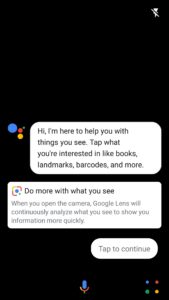
The Assistant now shows a Google Lens icon on the bottom-right of the screen, tapping on which opens the camera window for Google Lens. Tapping on an object in the viewfinder will show details about that image.
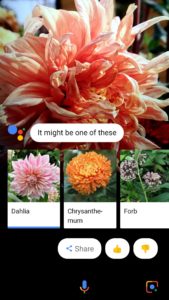
Lens can recognize things like Text, Books & Media, Barcodes, Lendmarks, Flowers, Animals, Fishes & more. It can now even select text right from the viewfinder (display) & either search related content on Google or save it in the clipboard for future reference.
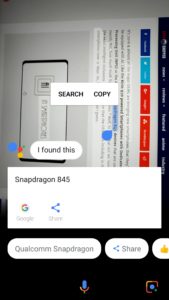
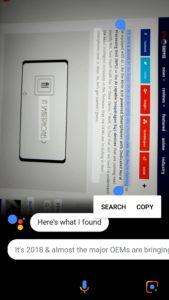
However, it can miss words in-between sometimes like, in the image 2 on the above gallery, it missed the word “all” which was between the words “almost” & “the”.
If you haven’t received this feature yet though, then be patient a bit as it hasn’t rolled out for everyone just yet but, it’s definitely rolling out & you should get the feature within a few days as well.


