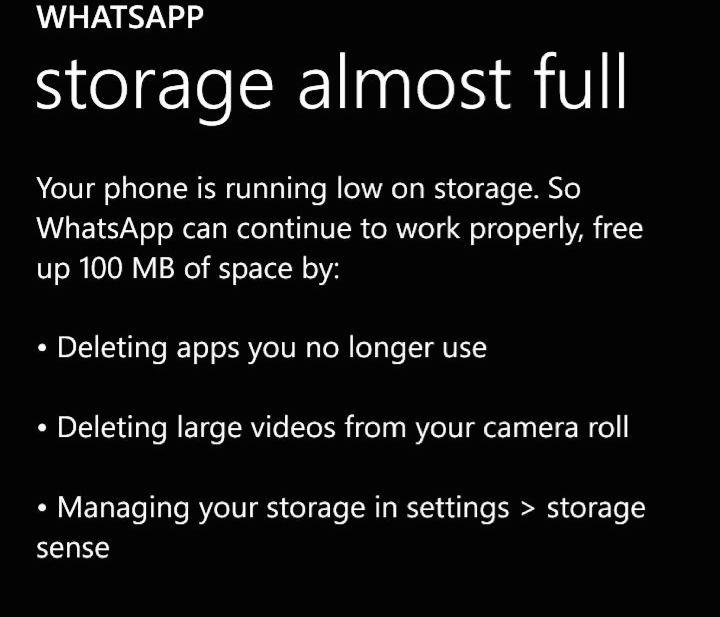
We have seen quite a few Windows Phone error and have successfully solved them. Today i encountered a new Whatsapp error on my Windows Phone that is “Storage Almost Full.” if you are facing the same error message, then we have a perfect solution for you. You can make your whatsapp work without loosing any data.
Solution For Whatsapp Error On Windows Phone “Can’t Connect”
Why do you get this error?
“Storage Almost Full” error occurs when your whatsapp have no space to store your chat data. When you get this error all you have to do manage your data through your Windows Phone settings.
Solve “Storage Almost Full” Error:
- Go to Setting
- In Settings Go to Storage Sense
- Tap on Phone
- Tap on apps+games
- Tap on Whatsapp
Once you tap on whatsapp you will see two options “move to SD” and “uninstall.” Tap on “move to SD.”
Once done, your whatsapp will be stored on your SD card. Soon after you tap on “move to SD” open your Whatsapp on your Windows Phone and enjoy your conversations.
Note: It’s always a good practice to store all your data in the SD card. To do that go to Setting -> Storage Sense -> and below “change where you store your music, photo, apps and more” select “SD card“.